
AI Agents for Business
We create AI agents for employees and customers.
They find information in corporate documents, prepare answers and draft documents, and perform authorized actions in the company's information systems.

Searching Organizational Documents
The agent finds information in the organization's documents and uses it to prepare an answer, providing source links where needed. This uses RAG: before an answer is generated, the system passes retrieved document excerpts to the model. The knowledge base can be updated without retraining the model.
The agent finds information in the organization's documents and uses it to prepare an answer, providing source links where needed. This uses RAG: before an answer is generated, the system passes retrieved document excerpts to the model. The knowledge base can be updated without retraining the model.
AI Agent Tasks
- answering employee and customer questions using the corporate knowledge base;
- automating inquiry handling;
- preparing letters, reference materials, and draft documents;
- performing authorized actions in CRM, ERP, help desk, and internal systems.
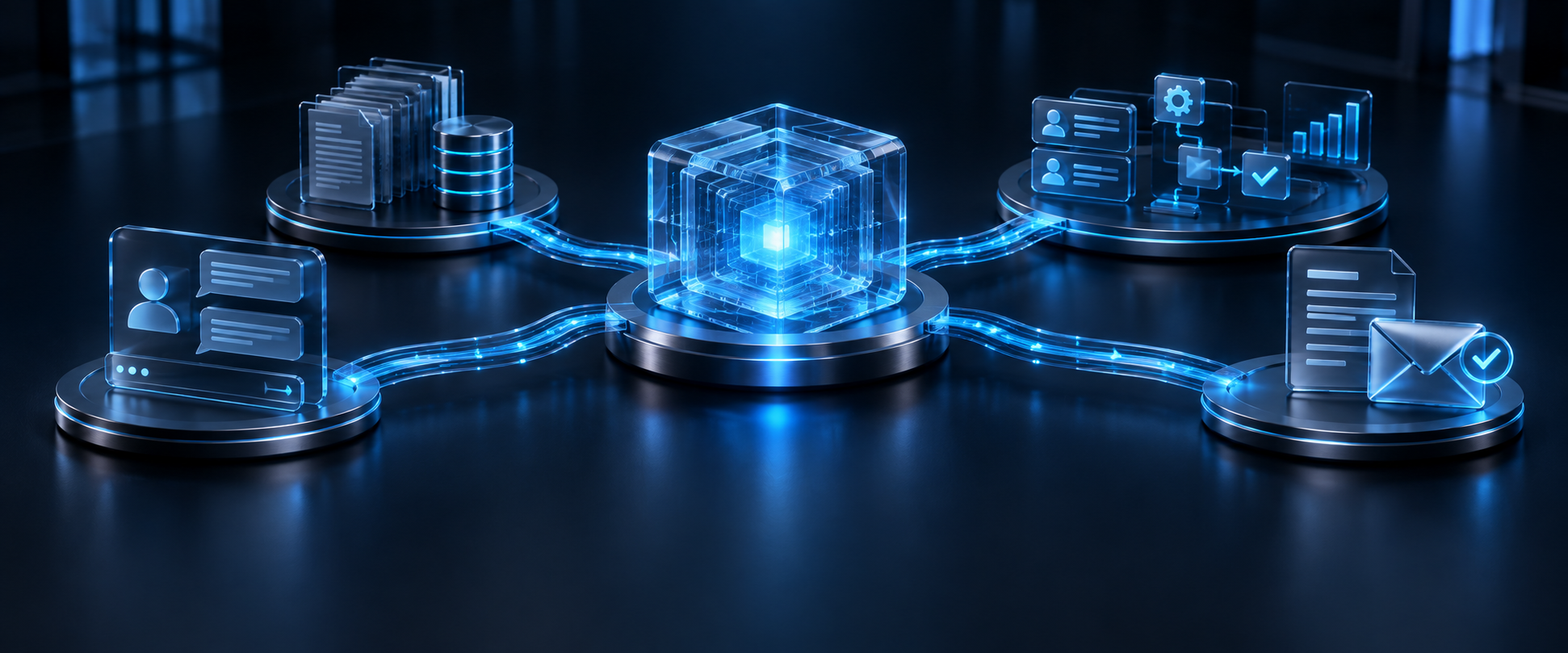
An Example Support Workflow
One possible scenario for a support team. The steps and available actions are agreed during deployment.
- An employee passes the customer's question to the agent.
- The agent searches authorized documents and instructions for an answer.
- It prepares a draft reply with links to the source materials.
- The employee checks the text and approves sending it.
- Where an integration is connected, the agent sends the reply and records the outcome in the help desk within its assigned permissions.
Insufficient Information and Action Confirmation
During configuration, we agree on how the agent should respond when information is insufficient: state that no answer was found in the available materials, request clarification, or refer the inquiry to an employee. Missing information must not be replaced with invented details.
Integrations and Hosting
We connect the agent to CRM, ERP, help desk, and internal systems through APIs. It can run in the cloud or within the organization's private environment. Integrations, accessible data, and operating rules are defined around the customer's tasks.